Is a two-way radio app as good as a PoC radio?
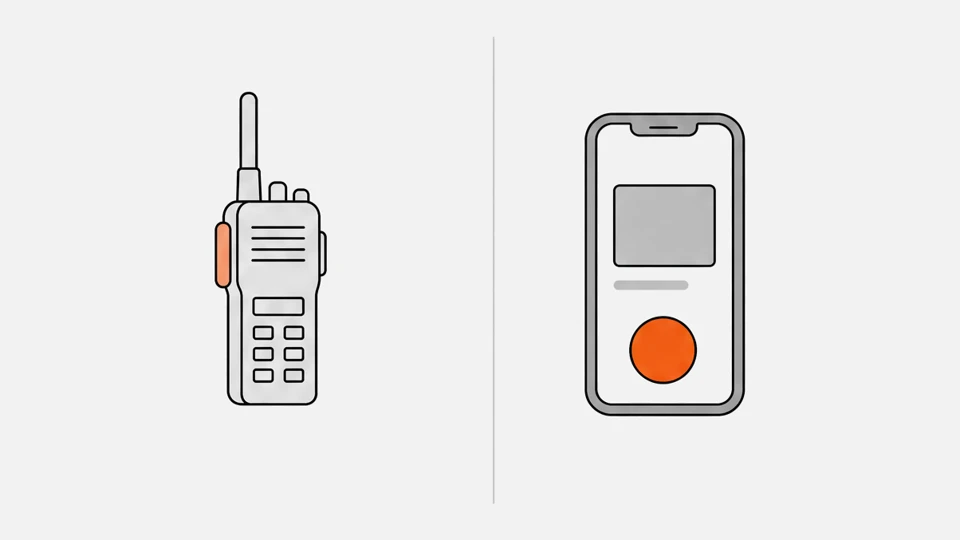
For talking, yes: the same platforms run on both, so a call works the same way. The difference is the device. A phone app trades the physical key, loud speaker and sealed case for a screen and one device in the pocket, and it depends on what iOS and Android allow in the background.
Zello runs on Android 7 and later and iOS 16.1 and later, and lists tested rugged phones and PoC radios side by side.12 TASSTA's T.Flex app covers Android, iOS and Windows, and its device list names the Inrico T320 and Hytera P50.34 WalkieFleet has Android and iOS apps plus a list of supported PoC devices.56 Talkpod says RealPTT works with more than 500 professional terminals,7 and Privox puts phones, iPhones and Android radios in the same groups.8
See PTT software for the platforms, what is a PoC radio for the radio side and push-to-talk phones for rugged phones with a PTT key.
Choose PoC radio if…
- Staff wear gloves or work in rain, dust and drops and need a key they find by touch
- The speaker must be heard over machinery, traffic or a crowd
- One shift must run on one charge, with a spare battery in the pocket
- You want a device that does only push-to-talk and that an admin can lock and wipe
Choose Phone app if…
- Staff already carry company phones and you want no extra device
- People need maps, photos, a camera or other apps on the same screen
- Use is occasional, as with managers and office staff, or a trial for a small team
- You want to start today on a free trial with no hardware order
How do a PoC radio and a phone app compare point by point?
A radio wins on controls and sound; a rugged phone matches it on sealing and drops; an ordinary phone does not. Published radio figures run from a 1 W to a 3 W speaker, IP54 to IP68, and 9 to 36 hours of use. The second table has the model numbers.
| Criterion | PoC radio | Phone app |
|---|---|---|
| PTT key | Dedicated key, often with an SOS key and a channel knob910 | On-screen button; a Bluetooth button or a rugged phone's key as an add-on1112 |
| Speaker | 1 W (TLK 110) to 3 W (PNC360S), maker figures1314 | Sonim XP10: dual loudspeakers, 100 dB or more; no wattage given12 |
| Sealing | IP54 (Retevis L71) to IP68 (Hytera P50)159 | Rugged phones IP68; iPhone IP68, but not a permanent condition1216 |
| Weight | 190 g (P50), 257 g (T320)917 | 320 g (Sonim XP10)12 |
| Screen | 1.77 to 2.4 inches, mostly no touch149 | Full touchscreen, camera, maps |
| Management | Over-the-air setup from a portal; remote lock and data erasure through an MDM1819 | Standard phone MDM; limited on a personal phone2021 |
| Background audio | One app, always on | Allowed by iOS and Android rules only in set ways2223 |
| Extra cost per user | Radio and a data SIM | None if the phone exists |
Technical details
| Device | Speaker | Sealing and drop | Battery as published | Weight |
|---|---|---|---|---|
| Motorola TLK 110 | 1 W (2.5 W max)13 | IP6713 | 2,500 mAh; 18 h at 5% talk, 5% listen, 90% idle13 | 197 g |
| Hytera PNC360S | 3 W14 | IP67; 1.2 m14 | 4,000 mAh; 20 h or more at 10/10/8014 | 190 g |
| Hytera P50 | 2 W (3 W max)24 | IP68; 1.5 m924 | 4,000 mAh, removable; up to 36 h924 | 190 g |
| Inrico T320 | 2 W17 | IP6517 | 3,500 mAh, removable; 9 h of use17 | 257 g |
| Retevis L71 | — | IP5415 | 4,000 mAh; 28 h of use15 | 181 g |
| Sonim XP10 (phone) | Dual loudspeakers, 100 dB or more12 | IP68, IPX9K; 6.5 ft onto concrete12 | 5,000 mAh, removable; talk 30 h12 | 320 g |
| Samsung Galaxy XCover7 Pro (phone) | — | IP68, MIL-STD-810H25 | 4,350 mAh, user-replaceable25 | — |
Makers test battery life under different cycles, so the hours do not rank the devices.
What does a dedicated radio do better?
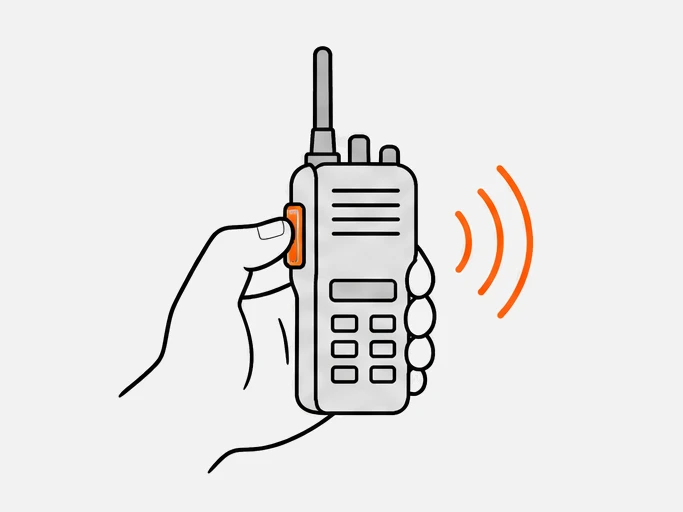
A radio is built for one job. It has a key you find by touch, a channel knob, a loud speaker and a case you can drop, and it carries nothing that competes with the call. Against an ordinary phone the gap is large; against a rugged phone it narrows to size, weight and price.
- Controls: the Hytera P50 has a group-switching knob on top, a PTT key and an SOS key.9 The Inrico T320 has a side PTT key, an SOS key and group control.10
- Sound: maker figures run 1 to 3 W, in a body of 181 to 257 g.1314241715
- Case: IP67 or IP68 on the TLK 110, PNC360S and P50, and drop ratings of 1.2 to 1.5 m.131424 Apple says splash, water and dust resistance are not permanent and liquid damage is not covered by warranty.16
- Management: Motorola sets up and updates the TLK 110 over the air through the WAVE PTX portal.18 Hytera's Smart MDM lists remote lock and data erasure for PoC radios.19
What does a phone app do better?
A phone is one device with a screen. It shows a map and a photo, takes a picture and carries other apps, and it costs nothing extra when staff already hold company phones. It also lets you try a platform in an afternoon, without ordering radios.
- Data beside voice: Zello resizes photos to 300 KB, and its location reports go out every 10 seconds by default.2627
- Trial: Zello Work has a 14-day trial with Plus features and no card.28 Zello's free app is for non-commercial use.29
- Existing hardware: Zello's tested list includes Zebra and Honeywell handheld computers, so workers who carry a scanner can use it as the radio.2
- Glove use: Samsung says a PTT call starts with a single press on its rugged XCover Pro, even with gloves on.30
Does a phone app keep working with the screen locked?
On iOS, yes, but only through Apple's Push to Talk framework, available from iOS 16.0. It puts controls on the lock screen and lets the system wake the app for incoming audio. On Android, battery optimization can pause a background app, so the app needs a foreground service or an exemption.2223
- iOS rules: only one PTT channel is active on the system at a time, an active cellular call blocks transmission, and a transmission starts from the system UI, in the foreground, or after a button event from a paired Bluetooth accessory.31 From iOS 26, Zello 7.7 turns the framework on and it cannot be disabled.32
- After a force-quit: messages do not play live until the app is reopened, unless Zello's "Keep Zello active after force-closing" setting is on.33
- Android rules: in Doze the system suspends network access and ignores wake locks, and WorkManager tasks do not run. Users can allow an app under Settings, Battery, Battery Optimization.23
- Android microphone: a foreground service that needs the microphone cannot be created while the app is in the background; on Android 14 and later it throws a SecurityException.34
- Zello on Android: the console has "Wake the device to keep Zello connected", which stops the device from sleeping while the app runs in the background.35
- No internet: on a private network without Apple's push service, iOS apps can use Local Push Connectivity to receive messages.31
A PoC radio avoids most of this because the push-to-talk app is its main job; the TLK 110, for one, ships with WAVE PTX preinstalled.18
Can a phone get a PTT button?
Yes. Zello maps wired and Bluetooth PTT buttons on iOS and Android, and the iPhone Action button on the iPhone 15 Pro, 15 Pro Max and 16 series, as a toggle rather than hold-to-talk. On iOS, play and pause events from wired headsets and CarPlay also start and end transmissions.113631
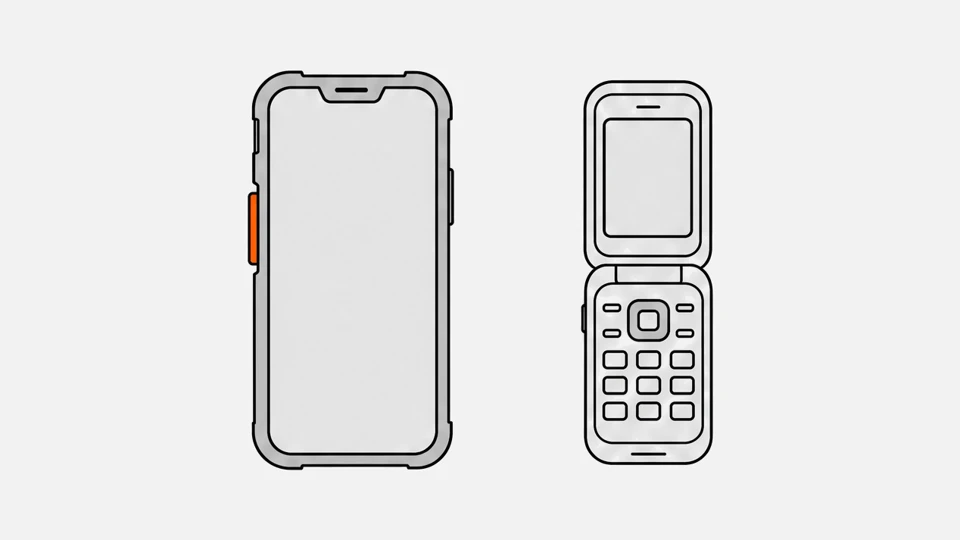
Rugged phones add a built-in key: the Sonim XP10 has an oversized PTT button and the Samsung Galaxy XCover7 Pro has keys programmable to push-to-talk, though key mapping varies by app.1225 The models, prices and carrier services are on push-to-talk phones, and the PTT concept is explained separately.
Which costs less per user, a PoC radio or a phone app?
The app license is the same on a phone and on a radio, so the gap is hardware and SIM. At published prices a radio adds about €406 to €502 per user over 36 months, and a phone adds nothing if staff already carry one.28373839
| Cost line | Phone app on an existing phone | PoC radio |
|---|---|---|
| Push-to-talk license | $8 (Zello Work Core) or $15 (Plus) per user per month;28 Instavox €8–25;37 PoC Me €4.50–9.004041 | The same |
| Device | €0 | Hytera P50 €189.90–250.00 excluding VAT;3839 Retevis L71 $199.9942 |
| Data | Existing plan; Zello averages 70–100 MB per user per month26 | Data SIM; Instavox plans cost €6–7 less per month without one37 |
| Extra over 36 months | €0 | €190–250 radio plus €216–252 SIM, about €406–502 |
Radio prices seen on 9 October 2026, license prices as of October 2026, each in the seller's currency. Add accessories, batteries and set-up in the cost calculator, which has a preset for phones with a push-to-talk app.
Can radios and phones share the same groups?
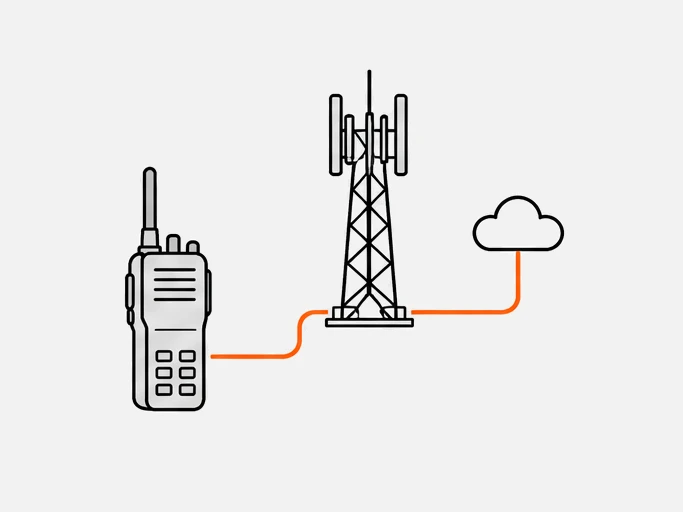
Yes. The platform holds the group, not the device, so a phone and a radio join the same channel. Zello, TASSTA, WalkieFleet, RealPTT and Privox all list phones and PoC radios. Check the radio against the app first, because the app must install and use the radio's keys.24678
- Zello: setup guides exist for the Inrico T199, TYT W700, Telo TE390 and M5, Talkpod N50 and Siyata SD7.43
- TASSTA: the compatible-device list includes the Inrico T320 and Hytera P50.4
- Privox: Android phones, iPhone, a browser and Android radios with a PTT key work in the same groups.8
The app compatibility tool lists which radios name which app, and the radio simulator plays a call on a radio and an app.
What about BYOD privacy and company policy?
On a personal phone the company manages only a slice. Apple's User Enrollment gives an MDM a limited set of payloads and never the personal account. An Android work profile keeps separate storage and its own app list. A company radio can be locked, wiped and shared across shifts.202119
Settle four points in writing before a BYOD rollout:
- Who pays for the phone's data; Zello averages 70 to 100 MB per user a month.26
- Location: Zello reports location every 10 seconds by default and says tracking affects battery; its Auto interval can cut that drain by 50%.27
- Shared devices: on a shared Zello device, a user's communications are cleared when the shift ends.44
- MDM sign-in: Zello lists MDM sign-in integration under its Enterprise plan.28
Which fits your team: a PoC radio or a phone app?
Pick by what people carry and where they work. Noisy, wet or gloved work points to a radio. Work that needs a screen, a map or a camera points to a phone. Most sites end up with both, joined in the same groups, so the table sets a default per role.
| Role | Better fit | Reason |
|---|---|---|
| Warehouse | Radio, or the app on scanners the staff already carry | Noise and gloves; Zello lists tested Zebra and Honeywell units2 |
| Security | Radio for guards, app for supervisors | Hardware SOS key; Zello supports hardware SOS buttons on Plus and Enterprise45 |
| Hospitality | Radio for floor staff, app for managers | Short calls, an earpiece and a key on the belt |
| Field service | Phone with the app | Maps and photos in the same device; live location from Core28 |
| Drivers | Phone with a headset or Bluetooth button | iOS starts transmissions from wired headsets and CarPlay31 |
| Office and managers | Phone with the app | Occasional use, no extra device |
Run the numbers with the cost calculator, test radios against your app in the app compatibility tool, and see PTT software for the platforms.
Questions
Is there a free two-way radio app?
Zello's free app is for non-commercial use. A business uses Zello Work, which costs $8 or $15 per user per month and has a 14-day trial.2928
Does a walkie-talkie app work without internet?
No. These apps send voice as data over mobile data or Wi-Fi to a server, so they need a network. For a site network, read Wi-Fi two-way radio.26
Can a phone app talk to a DMR or PMR446 radio?
Not directly. Zello Bridge links a Zello channel to a radio through a USB or JPS gateway, for channel calls only and up to 16 links per configuration file.46 See PoC vs DMR.
How much data does a push-to-talk app use?
Zello uses 12 to 45 kbps while talking and 70 to 100 MB per user per month on average.26 The data usage tool sizes your team.
Sources
- Minimum system requirements to use Zello applications · Zello Work Help Center
- Hardware devices · Zello
- T.Flex · TASSTA
- Compatible devices · TASSTA
- Downloads and release dates · Walkie Labs
- Supported PoC devices · Walkie Labs
- PoC radio P50 · Hytera Europe
- T320 user manual, French, 2022 · Inrico, via Passion Radio
Show all 46 sources
- Mapping an external PTT button on iOS and Android · Zello Work Help Center
- Sonim XP10 · Sonim Technologies
- WAVE PTX TLK 110 data sheet (EMEA) · Motorola Solutions
- PNC360S PoC radio · Hytera Europe
- Retevis L71 PoC radio · Retevis
- Water and dust resistance of iPhone · Apple Support
- T320 product page · Inrico
- TLK 110 radio (EMEA) · Motorola Solutions
- Smart MDM: smart mobile device management · Hytera Europe
- User Enrollment and device management · Apple Platform Deployment
- Work profiles · Android Developers
- Push to Talk framework (iOS 16.0 and later) · Apple Developer Documentation
- Optimize for Doze and App Standby · Android Developers
- P50 PoC radio (global page) · Hytera
- Samsung introduces Galaxy XCover7 Pro and Galaxy Tab Active5 Pro, 14 April 2025 · Samsung Electronics America
- How much data bandwidth does the app use? · Zello Work Help Center
- How can I minimize battery impact from location tracking? · Zello Work Help Center
- Zello Work pricing · Zello
- Zello Work versus Zello Friends and Family · Zello Work Help Center
- Creating a Push to Talk app · Apple Developer Documentation
- Enabling and using Zello on the lock screen and HUD (iOS) · Zello Work Help Center
- Managing the PTT framework's behavior on iOS · Zello Work Help Center
- Restrictions on starting a foreground service from the background · Android Developers
- Management console settings for Android devices · Zello Work Help Center
- Mapping Zello's PTT functionality to the iOS Action button · Zello Work Help Center
- Instavox plans (in French) · Instavox
- Hytera P50 listing (in French) · OfficeEasy, France
- Hytera P50 listing (in French) · Instavox shop, France
- PoC Me Full prices (in French) · PoC Me
- Retevis L71 PoC radio · Retevis
- Zello Work: accessories and device guides · Zello Work Help Center
- Enable shared devices on your network · Zello Work Help Center
- Emergency alerts · Zello
- Using Zello Bridge with radio gateways · Zello Work Help Center