What does push-to-talk mean?
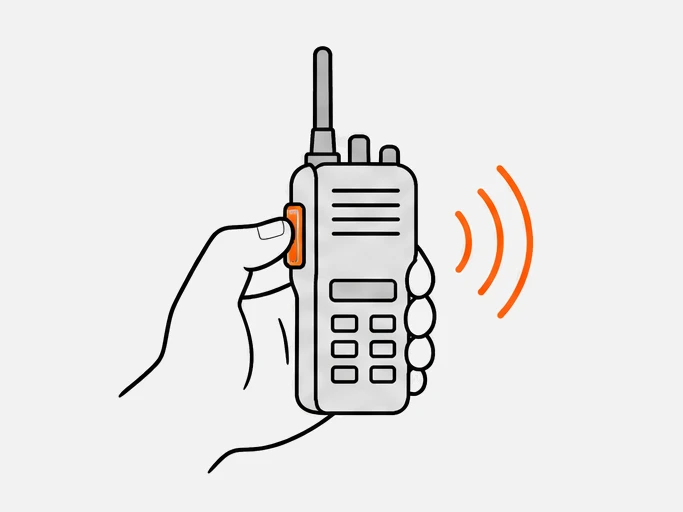
Push-to-talk (PTT) means you hold a key to speak and release it to listen. Everyone in your group hears you at once, and only one person talks at a time.1 The key can be a button on a radio, a programmable key on a rugged phone or a button on a screen.2
PTT is a way of talking, not a type of radio. Two-way radios, PoC radios and phone apps all use it. The Open Mobile Alliance (OMA) modeled its PoC standard on the walkie-talkie: press a button and a session starts.1
How does push-to-talk work?
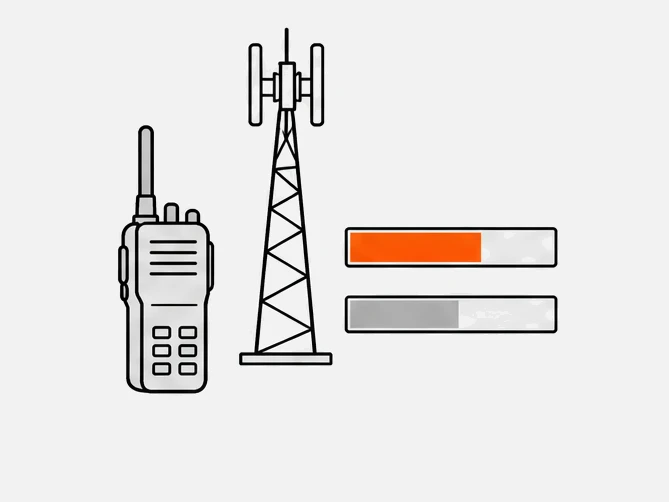
You press the key and the system asks for permission to transmit. When permission arrives, your device sends your voice to everyone in the group. When you let go, the channel is free for the next person. On a mobile network, a PTT server decides who may talk.3
- PressYour device sends a floor request to the server when you press the key.3
- GrantThe server answers "floor granted" to you and "floor taken" to everyone else.3
- TalkYour voice reaches the group as audio packets while you hold the key.3
- ReleaseLetting go sends "floor release", and the server tells the group the floor is idle.3
The message names are from 3GPP's MCPTT; OMA calls this step talk burst control.1
What is half duplex?
Half duplex means voice travels in one direction at a time. While you hold the key you talk, and when you release it you listen. OMA describes PoC this way: one person talks and all other participants hear.1 A normal phone call is full duplex, so both sides can speak at once.
Apple's push-to-talk framework uses half duplex by default and blocks transmitting while you receive audio.4 3GPP also allows full-duplex private calls without floor control.5
What is floor control?
Floor control is the rule that decides who may talk at a given moment. 3GPP defines it as an arbitration system for who may transmit. If two people press at once, it grants one request and rejects or queues the other. That is how a PTT group keeps to one speaker at a time.5
| Situation | What floor control does |
|---|---|
| Channel is free | Grants your request and tells the group who is talking |
| Two people press at once | Grants one request; rejects or queues the other |
| A higher-priority user presses | Can override the current talker5 |
| Someone holds the key too long | A talk-time limit gives others a chance to speak |
Where does push-to-talk run?
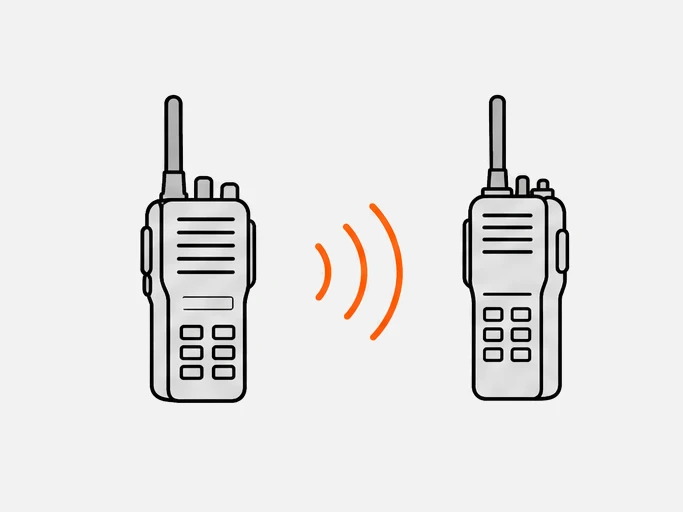
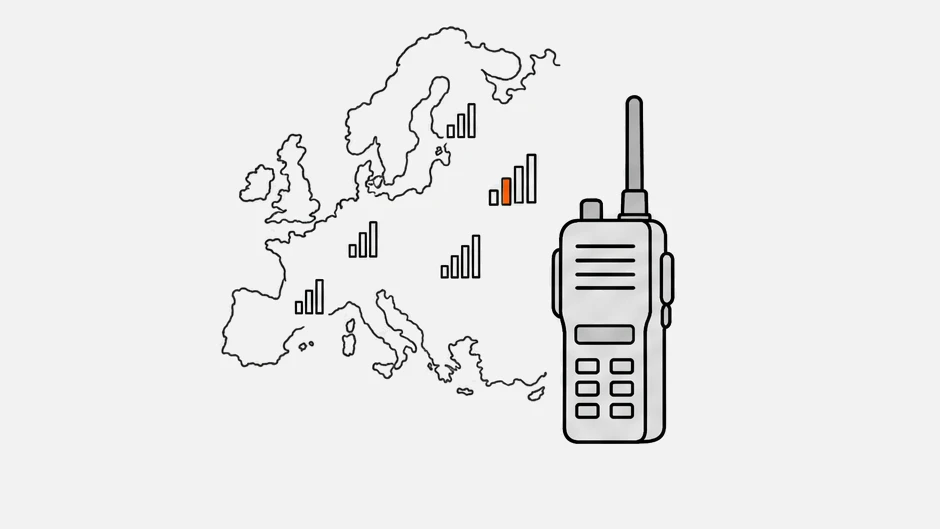
PTT runs wherever a group can share one channel: on radio waves between two-way radios, or on mobile data and Wi-Fi through a PTT server. The second kind is push-to-talk over cellular (PoC). Phone apps and carrier services use the same idea.
| Kind | How the voice travels | What you need |
|---|---|---|
| Two-way radio | Radio waves, radio to radio | Radios; see types of two-way radio |
| PoC radio | Mobile data or Wi-Fi, through a PTT server | Radio, SIM, PTT service |
| Phone app | Wi-Fi or mobile data6 | Phone and app |
| Carrier service | The operator's mobile network or Wi-Fi | Subscription, as with AT&T Enhanced Push-to-Talk7 or Verizon Push to Talk Plus8 |
| MCPTT | 3GPP mobile networks | A mission-critical PTT service |
How does push-to-talk work on phones and apps?
A PTT app puts a talk button on the screen or maps it to a hardware key or a headset button. You hold it to speak, and the app sends your voice over Wi-Fi or mobile data.6 On iPhone, Apple's framework supplies the system talk controls, and the app provides the back-end service.4
Services include Microsoft Teams Walkie Talkie, Privox, RealPTT, TASSTA, WalkieFleet and Zello. Compare them in PTT software or try one in the radio simulator.
What is MCPTT?
MCPTT is mission-critical push-to-talk, the 3GPP standard for PTT on LTE and 5G networks.34 It adds floor control, priorities and emergency override to ordinary PTT for public safety, railways, utilities and maritime users, and it sets delay targets the network should meet.5
The targets are not guarantees: access time under 300 ms for 95% of requests and mouth-to-ear delay under 300 ms for 95% of voice bursts, at up to 70% network load.5 Release 13, frozen in March 2016, completed the first mission-critical PTT specifications.9 See the glossary.
What are PTT buttons and headsets?
A PTT button is the control that opens the channel. It can be a side key on a radio, a programmable key on a rugged phone, a headset button or an on-screen button. Some hold to talk; others tap once to start and again to stop.6
Teams Walkie Talkie works with Android wired headsets that have a play/pause button, and with headsets and rugged phones that have a dedicated PTT key.6 Apple's framework accepts Bluetooth accessory buttons.4
Where did push-to-talk come from?
Cellular push-to-talk copies the walkie-talkie's press-to-talk key and its one-speaker-at-a-time rule. Early versions, such as Nextel's Direct Connect, ran on the operator's own iDEN network.10 Open standards followed in 2006, mission-critical specifications in 2016 and a system push-to-talk framework for iPhone apps in 2022.
| Year | Milestone |
|---|---|
| 2002 | Nextel says Direct Connect handles more than 150 million calls a day10 |
| 2006 | OMA approves PoC 1.0 on June 91 |
| 2013 | Sprint switches off its iDEN network on June 3011 |
| 2016 | 3GPP Release 13 completes its first mission-critical PTT specifications9 |
| 2022 | Apple introduces its PushToTalk framework at WWDC2212 |
What are the pros and cons of push-to-talk?
PTT reaches a whole group with one press and works hands-free with a headset. The costs are one speaker at a time, no service without signal on network-based PTT, and a short delay before voice arrives. It suits short group messages better than long private talks.
Good at
Is push-to-talk the same as a walkie-talkie?
No. Push-to-talk is the method, and a walkie-talkie is a device that uses it. A classic walkie-talkie talks directly to other radios; a PoC radio or phone app sends voice through the mobile network. See what a two-way radio is, 4G LTE walkie-talkies and the radio catalog.
Questions
Does push-to-talk need internet?
Not on a direct two-way radio. PoC radios, phone apps and carrier services need mobile data or Wi-Fi; Microsoft states that Teams Walkie Talkie does not work with no connectivity at all.6
How much delay does push-to-talk have?
Zello states under 0.5 seconds on Wi-Fi, under 1 second on 4G and 2 seconds or more on 2G.13
Sources
- Sending push-to-talk messages · Zello Support
- Creating a Push to Talk app · Apple Developer Documentation
- Manage the Walkie Talkie app in Microsoft Teams · Microsoft Learn
- Enhanced Push-to-Talk · AT&T Business
- Push to Talk Plus · Verizon Business
- Release 13 · 3GPP
- Nextel, Motorola celebrate 10 years of Direct Connect (2002) · RCR Wireless News
Show all 14 sources
- Sprint's iDEN Nextel Shuts Down and Heads for Recycle Bin (2013) · Converge Digest
- What is the current latency? · Zello Work Help Center
- How much data bandwidth does the app use? · Zello Work Help Center